01
The caller speaks
By the end of their first sentence NoteFish knows the language and captions it in yours. You didn’t set anything.
Answer callers in their language, in your own voice. You speak normally and they hear you in theirs.
Works next to Zoom, Meet, Teams and WhatsApp. Or send the caller a link. They don’t need an app.
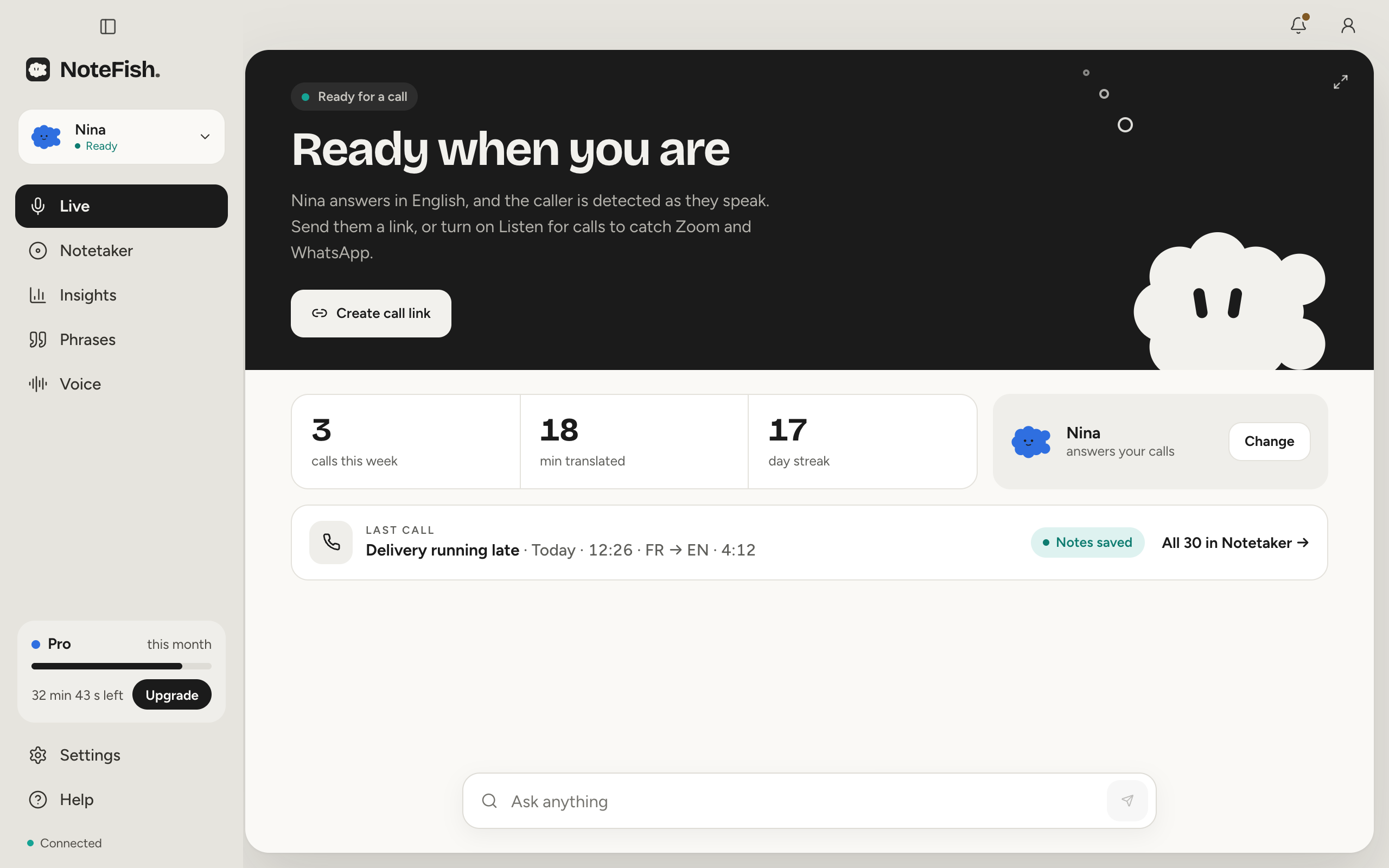
During a call NoteFish lives in your Mac’s notch. Hover it to see the call, hold ⌥Z to answer.
83 languages on their end. Yours on the desk.
You talk in your language. The caller hears you in theirs, and it’s still your voice. Nobody in between is passing anything along.
You, the caller, and someone relaying. Every sentence gets said twice.
A real call from the desk, French on their end and English on yours. Scroll through it.
By the end of their first sentence NoteFish knows the language and captions it in yours. You didn’t set anything.
Hold the talk key and say it the way you’d say it to someone at the next desk. Let go and the reply is on its way.
Louder, quicker or softer than your usual: NoteFish carries it into their language as the reply plays. Nothing to pick, nothing more to record, and nothing kept about how you sounded.
The caller hears your voice, in French, sounding sorry because you did. Each reply is marked once it has actually played.
Your voice
Read seven short lines of an ordinary call, out loud, once. That is your voice set up, in every language NoteFish speaks.
Hello, and thanks for calling! How are you doing today? It’s a pleasure to help, so take your time.
Could you read me the order number? It’s usually at the top of the email, just under your name.
Okay, I see it now: four, eight, two, one. The driver is near the bridge on North Street.
From that same call
What it was about, what the caller asked for, what happens next. One minute to read, and you can ask the desk anything about the call.
Pro and MaxEvery line in English with the French underneath. Your replies say “played” once the caller has heard them.
Free keeps 2 a weekCalls answered, replies that went out in your voice, minutes translated, day by day. Every number comes from calls that happened.
Hear your clone, record it again in a minute, and pick the puff that stands for you. Delete it and it is gone from the voice provider too.


The small things that matter on the fortieth call of the day.
Leave their language on Auto. NoteFish hears which one it is and answers in it. Your captions stay in yours.
The lines you say forty times a day. One tap says them to the caller, translated, in your voice.
One line of house style changes how replies are worded. It can’t change the facts.
Send them a call link and they talk to you from a browser.
Turn on Listen for calls and NoteFish picks up the call in the app you already use. On a Mac, for now.
The call can open a ticket in Zendesk, or in anything that takes a webhook.
A cloned voice is a serious thing. Nothing gets cloned without its owner saying yes, and only you can use yours.
Most people pick Pro. Cancel any time.
15¢ a minute of translation
Get Pro12¢ a minute. 12 times Pro’s minutes for 10 times the price.
Get MaxNoteFish only counts minutes while it translates a call. Saving transcripts, writing summaries and setup don’t use any.
Payments are handled by Paddle, our reseller and Merchant of Record. Buying a plan means you agree to our Terms and Refund Policy. First payment refundable within 14 days, no questions.
No. They hear a clone of your voice, made from about a minute of you reading aloud, speaking their language. NoteFish hears how you said each reply and says it the same way.
No. NoteFish only copies the voice of the person at the microphone. You record it live in the app, starting with a sentence you read aloud to agree to the copy, and NoteFish checks that sentence is there before it makes anything. There is no upload, no library of other people’s or famous voices, and a voice can’t be shared or moved to someone else.
No. One minute is enough, and one voice carries every feeling. If you ever want to, record again: the new recording replaces the voice that answers.
83 on the caller’s end. Leave their language on Auto and NoteFish works it out from their first sentence. Your captions stay in your own language.
Yes. NoteFish runs on a Mac with Apple silicon (macOS 14.2 or later) and on Windows 10 or 11. On a Mac with a notch it lives in the notch, on other Macs in a slim strip at the top of the screen, and on Windows in a small island just above the taskbar. Catching Zoom, Meet and WhatsApp calls is Mac-only for now; on Windows, callers join by link. This page offers the one for the computer you are on.
No. Send them a call link and they talk to you from their browser. If you’re already on Zoom, Meet, Teams or WhatsApp, turn on Listen for calls and NoteFish catches that call instead (on a Mac, for now).
Hold ⌥Z, say your reply, let go. If you’d rather not hold a key, tap it once to keep the mic open and tap again to send. You can pick a different key in Settings.
The transcript in both languages, and on Pro and Max a short summary. The Free plan keeps two transcripts a week. A call can also open a ticket in Zendesk or send a webhook.
Only time spent translating a call, from when you answer it until it ends. Setup, voice previews, transcripts and summaries don’t count.
Yes. Team is $40 a person a month, for three people or more. Everyone shares one pool of minutes, 250 for each person.
Download the app and read aloud for about a minute so it learns your voice. Your next call can be in any of 83 languages.
Download for macOSFree to start: 3 minutes of translation a week, no card needed.